

Content

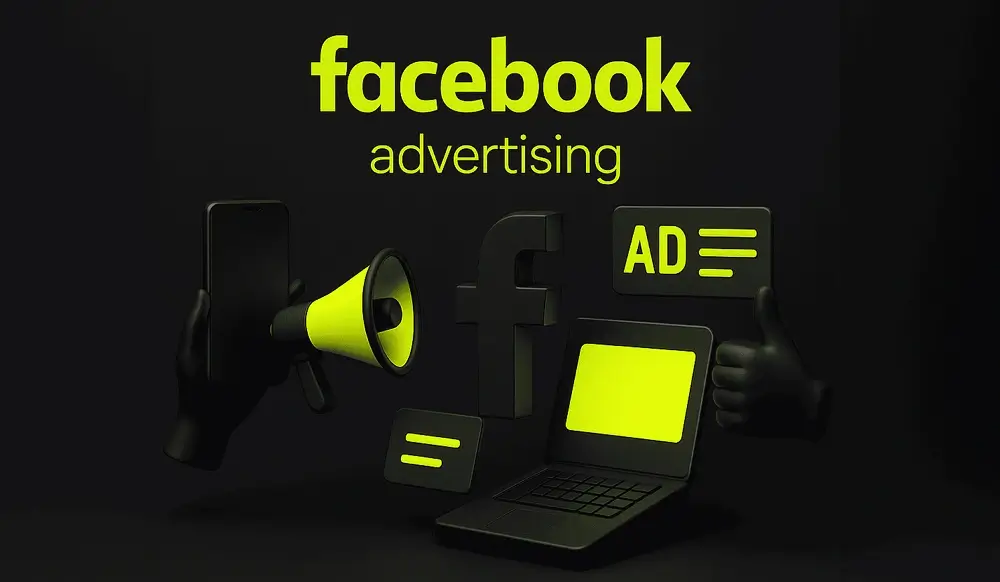
Business owners and marketers have long gone beyond “intuitive” ad launches. Before spending a budget, it's wise to see what approaches other market players are already testing. The Meta ecosystem has a powerful but often underrated tool for this: the Facebook Ad Library. It doesn't show your CTR or ROI, but it gives you access to a huge array of real ads and creatives. Knowing how to work with it makes it easier to find strong ideas and build your strategy consciously, rather than for luck.
The Facebook Ads Library is a public database that collects ads from Facebook, Instagram, Messenger, and Audience Network over the past three years. In fact, this is a showcase of creatives: you can see how brands formulate offers, what formats they use, and what topics they focus on. For Meta, this is a way to ensure transparency, and for businesses and agencies, it is a convenient research tool. It displays active ads from literally a million advertisers, which is why Facebook's ad library is so valuable. Through Facebook Ad Library and Meta Ad Library, you can watch not abstract cases, but a live picture of the market.
Three groups benefit the most from the ad library. Marketers use it to understand which links are already spinning, what is reaching the target audience, and what formats dominate their niche. Owners see how competitors package the product and what promises they make in the headline. It is convenient for agencies to rely on Meta's advertising library when they need to argue a strategy in front of a client.
So, the main audience for whom this tool meets key needs is:
For all these groups, the advertising library is becoming a permanent work tool, not a one-time “toy”.
When you open the Facebook ad library, the first thing you do is solve an intelligence problem: what offers, formats, and topics are currently “in vogue” in your niche. The second level is the analysis of the “ad+landing page” links: Facebook Ad does not lead abstractly “to the site”, but to a specific landing page, quiz or directory, and this is clearly visible. The third level is understanding the offer structure: discounts, installments, test periods, bonuses, guarantees, and how it is all packaged into text. Finally, using the Facebook ad library, it is convenient to track how landing pages are changing: whether blocks are being completed, whether social evidence is being added, and whether the application form is being changed.
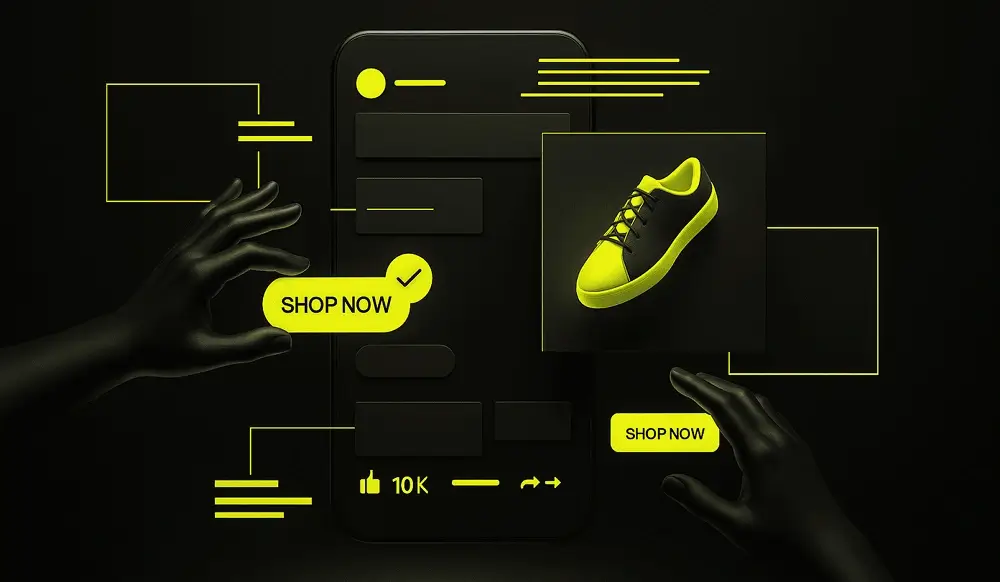
To turn the Facebook advertising library into a working tool, it's important to log in to the interface correctly and not get lost in the amount of data. The easiest way to get there is at facebook.com/ads/library, or through Facebook Business Manager if you're already working with Facebook Business. The service offers you to select a country, ad category and language, and then search by brand and key. Basically, this is a large library database that you need to carefully narrow down to your niche. At this stage, it is important to decide right away whether you are looking for a specific competitor or want to compile a cross-section of an entire segment.
The basic scenario for working with the FB library is as follows: choose the country of display, the “all ads” category and enter a brand name or key phrase into the search. For example, you can enter a query by product type rather than company name—this way you'll see a wide pool of players. If you are interested in a particular market, you can change your geo and see how different countries solve the same problem in different ways. It is also convenient to check which markets competitors have already entered and which markets are still empty.
When the initial search results are received, Facebook's ad library filters come into play. Here you can filter ads by format type (static, carousel, Instagram video), platform (Facebook or Instagram), date range, and active/inactive status. This is how you separate test outbursts from creatives that last for weeks and months. Filters allow you to focus more accurately on the right selection, rather than flipping through an endless feed of ads. In this context, it is particularly useful to do the following:
This is how the Meta library and Facebook Business Manager complement each other: one shows the market picture, the other shows your internal metrics.
To prevent the ad library from becoming a source of chaotic screenshots, immediately set up the save system. The easiest way is to create a spreadsheet or a manual “CRM for Creatives”, where you can add a link from the Meta Ad Library, a screen, an offer, and a landing page. Tagging by niche, offer types, and formats works well. Over time, this database becomes your personal Meta library of strong connections.
Opening a Facebook ad library is not enough — it's important to understand where to look in the ad card. Start with the basic context: product, niche, intended target audience, funnel stage. Then analyze the ad structure: visual, text, offer, and button. Compare multiple Facebook Ads from the same brand to see which patterns are repeating themselves. It is important not to focus on one “beautiful” example, but to analyze the series.
From a creative point of view, Facebook's advertising library allows you to carefully examine the visual: whether the object is large, whether there is a face, or whether animation is used. Then look at the text in the ad and the title: how quickly the offer is understood, are there any specifics, whether there are deadlines or restrictions. A separate layer is a call to action and a button: do they match what is written in the text? The simpler this bundle is, the easier it is for it to “enter” the feed.
Each campaign has its own goal, and the ad library helps you indirectly understand what creativity is for. Engagement ads often use questions, non-standard formats, humor, and long stories. Conversion creatives are shorter, with an emphasis on a clear offer, price, and a clear next step. When browsing through Meta's ad library, ask yourself: if I were an algorithm, what optimization would I be so creative for.
Strong creatives that are often seen in the library Facebook ads are usually very simple. One bright offer, one visual accent, minimum small text. Another signal is repeatability: dozens of brands in different niches are using similar approaches. If the bundle has been actively spinning for months without radical changes, this is an indirect sign that the advertiser is satisfied with the numbers.
In order for the Facebook advertising library to work systematically rather than sporadically, it is worth building a simple method for analyzing competitors. You select 5-10 key brands and upload their active and recent ads. Then all the links found are added to a table where you can compare approaches according to understandable parameters. This is how you go from feeling “everything is somehow the same” to a clear map of offers and formats.
A good working tool is a matrix that you fill in using Facebook's ad library. On one axis — the type of offer, on the other — the format, on the third — the type of boarding one;
When you fill out such a matrix with examples from the Facebook ad library, you'll quickly see empty cells — combinations that no one has tested in your niche before.
Using the Facebook ad library, it is useful to evaluate how often certain topics and links are repeated. If similar creatives appear month after month from brand to brand, this is a signal that the approach is working. The length of the run is also important: ads that go off after a couple of days are highly likely not to produce the expected results. And campaigns that can be seen in the library's database for weeks usually have stable metrics.
Using date filters, the FB library helps you catch seasonal patterns. You can see how communication changes during sales, holidays, or the start of the business season. The “angles” are also often repeated — economy, status, convenience, speed. By noting such patterns on Meta Ad, you prepare your creatives in advance for future surges in demand.
The question of how to view competitors' ads on Facebook is technically solved in a couple of clicks, but the quality of the result depends on how you use the service. Some users simply scroll through the creatives, save the brightest ones, and that's it. Others are building a systematic process: regular monitoring, tables, tags, hypotheses. To be in the second group, it's important to avoid common mistakes. Let's look at the three most common mistakes.
The first mistake is to rate ads in the Facebook ad library based on likes and comments. From the outside, it seems that more reactions mean better creativity, but you don't see the campaign's target KPI. An ad focused on conversions can garner few likes and still sell well. So it's important to remember that Facebook's ad library shows a showcase, not internal analytics.
The second mistake is to look only at creatives and ignore landing pages that ads from the ad library lead to. There is a link in the card and you can use it to see how the brand is squeezing traffic: page structure, trust blocks, and the application form. Without analyzing landing pages, you only see half of the “ad+site” link, and the conclusions are too superficial.
The third mistake is to work with the Facebook ad library without a system. Screenshots are scattered into folders, links are lost, and conclusions are not recorded anywhere. It is much more productive to have a single table or database where you keep track of all your findings:
Thus, over time, your internal database becomes no less valuable than the Facebook advertising library itself, and each new visit to the service becomes a contribution to the long-term system, rather than a one-time view of creatives.
Competitor analysis is fuel for your own ideas, but it's important not just to copy, but to create better ones. If you want to get ahead of the market and get high-quality leads at an optimal cost, Locomotive Digital offers you a service Target. We will develop unique creatives and strategies that will make the audience choose you over your competitors.
AI website audit
Enter your website address and get results instantly.

Request a free audit — our expert will prepare a personalized action plan.
Your data is securely protected